Smule Downloader vs. Screen Recording: Which Should You Use?
A side-by-side comparison of direct CDN downloading and phone screen recording for saving Smule performances. Quality, ease-of-use, storage and legal considerations.
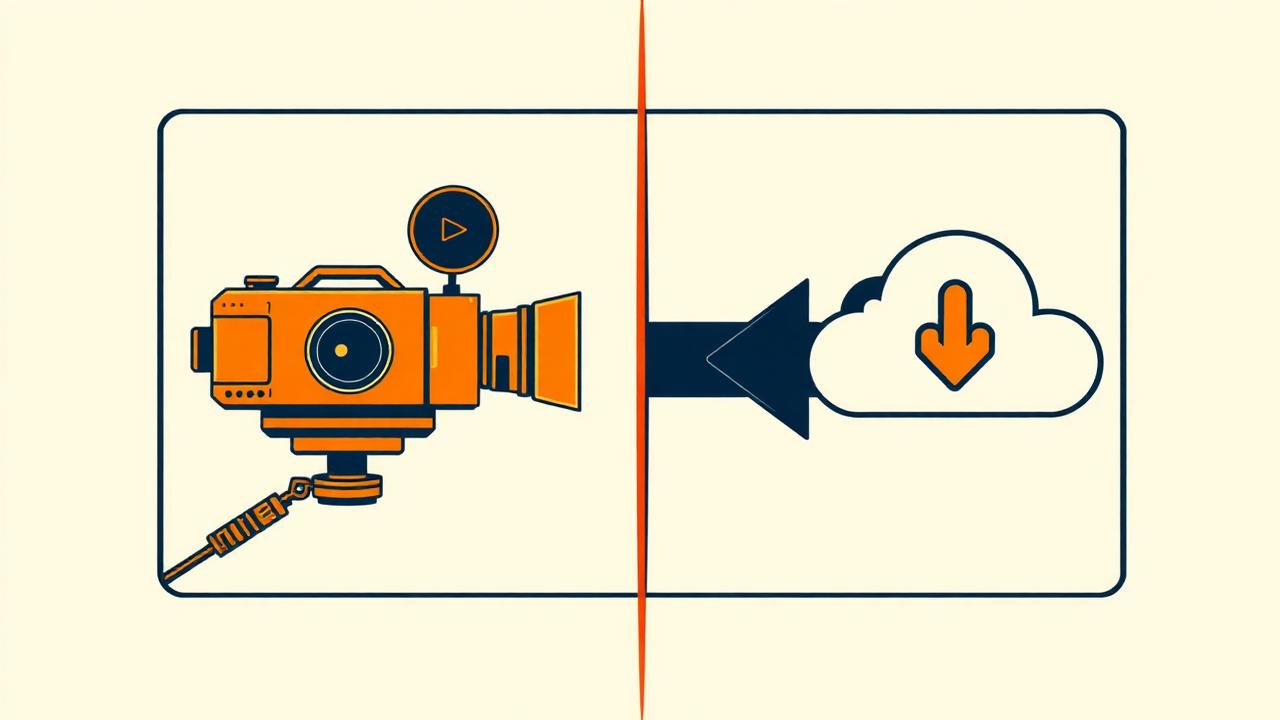
If you've ever pointed your iPhone's control centre at 'Screen Record' to keep a Smule duet, you already know the pain: silent playback because iOS muted system audio, jittery frames because of a background notification, or a 300 MB video for a 3-minute song. There's a better way.
The quick answer
Use Smule Downloader when you want the original file — the exact bytes Smule serves to its own player, with no quality loss and no manual clean-up. Use screen recording only when the performance is behind a paywall you own, or when you want to capture live reactions in real time.
Feature-by-feature
| Feature | Smule Downloader | Screen recording |
|---|---|---|
| Audio quality | Original AAC/MP3 — no re-encoding | Compressed twice — audible loss |
| Video quality | Full HD MP4 direct from CDN | Depends on device screen |
| File size | 3–8 MB for audio, 20–40 MB for video | 80–400 MB for the same 3 min |
| Time needed | 10 seconds — paste URL, click | Length of the song + trimming |
| Background noise | None | Notifications, phone calls, alarms |
| Works while phone locked | Yes — desktop tool doesn't touch phone | No — screen must stay on |
| Batch downloads | Entire playlists or profiles | One at a time |
Audio and video quality in detail
Screen recording captures your phone's speaker output, which was already decoded and re-mixed by iOS or Android. That output then gets re-encoded as H.264 video with AAC audio — meaning your final file is two generations away from Smule's master. Direct download skips both steps.
The generation-loss test
We took the same 3:24 duet and saved it both ways. The screen-recorded version had noticeable high-frequency roll-off above 12 kHz (harmonics of the female vocal sounded dulled). The direct download was bit-identical to what plays in the Smule app.
Workflow and effort
Direct download workflow:
- 1Copy URL.
- 2Paste into tool.
- 3Click Download.
Screen recording workflow:
- 1Enable Do Not Disturb.
- 2Start screen recorder.
- 3Open Smule, navigate to the song.
- 4Press play, wait for the full length.
- 5Stop recording.
- 6Open the file, trim start and end.
- 7Export.
- 8Delete the original from your camera roll to reclaim space.
File size and storage
A 4-minute Smule performance saved as MP3 through the downloader is roughly 5.5 MB. The same performance screen-recorded on an iPhone 15 Pro is around 220 MB — 40× larger. If you're archiving 200 performances from your profile, that's 44 GB vs 1.1 GB.
When screen recording still wins
There's a small handful of cases where screen recording is the right tool:
- You want to capture your reaction on camera at the same time (record with front camera enabled).
- The performance is live-streamed and won't be saved to a permanent URL.
- You want to include specific Smule UI elements like the comment feed scrolling in real time.
Never re-upload a screen recording of someone else's performance to YouTube or TikTok without their permission. That's a copyright and platform-terms issue regardless of how you captured it.
FAQ
Which method is faster?+
Does screen recording use more battery?+
Which method has better audio for editing?+
Can I combine both methods?+
Ready to download a Smule song?
Paste any Smule link and get the MP3 or MP4 in seconds. Free, no sign-up.
Open downloader