How to Archive a Smule User's Entire Profile
A step-by-step guide to saving every recording, playlist and duet from a Smule profile — your own or a favourite artist's — as a searchable local library.
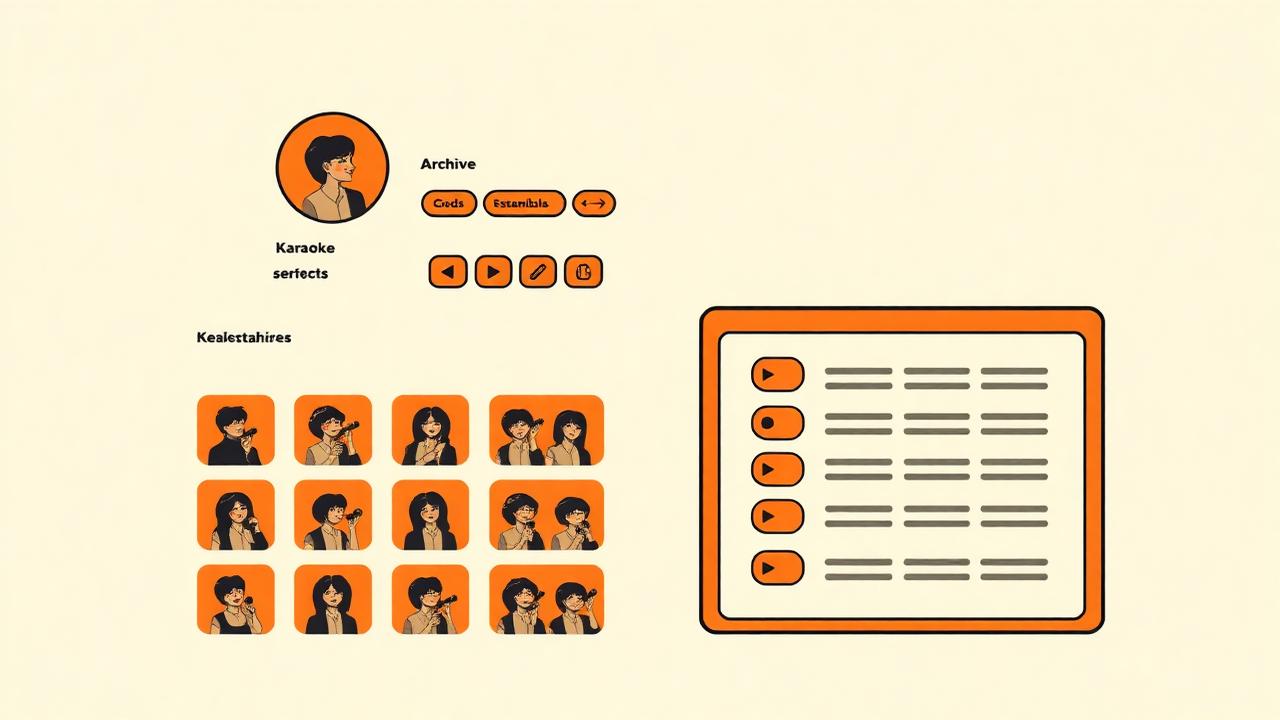
Smule profiles disappear all the time — accounts get deleted, singers rotate their old work private, tracks vanish when copyright claims land. If a particular voice matters to you, waiting until the profile is gone is too late. Here's how to build a proper local archive while it's all still there.
Why archive a Smule profile?
- Your own back-catalogue — every performance you've ever recorded, kept forever regardless of Smule's retention policy.
- Study your favourite singer's technique — being able to A/B two takes side by side is a huge learning tool.
- Preserve a friend's or family member's work as a keepsake.
- Build a training set for AI voice models (with the artist's permission).
- Research and journalism into online music communities.
What you'll need
- The Smule Downloader browser extension (v1.2 or later — earlier versions don't have profile support).
- A Chromium browser: Chrome, Edge, Brave, Arc, Opera or Vivaldi.
- Around 500 MB of free disk space per 100 tracks (audio only) or 3 GB per 100 (video).
- 10–20 minutes of uninterrupted downloading per 100 tracks.
The archiving process, step by step
- 1Visit the profile URL: smule.com/username (e.g. smule.com/meszmerizer).
- 2Let the page finish loading — you'll see the singer's recording grid.
- 3Wait a few seconds. The extension auto-scrolls to load every recording (this can take 30–90 seconds for prolific singers).
- 4Click the extension icon → the Profile tab shows the total count and every track with singer, plays and loves.
- 5Choose 'Recordings' or 'Playlists' from the dropdown.
- 6Click 'Queue all recordings' to add everything to your batch download.
- 7Switch to the Queue tab, hit 'Run queue' and walk away for coffee.
Profiles with 500+ recordings will need multiple sessions. Chrome throttles background tabs above ~15 at a time, so batching 50–100 tracks at once is the sweet spot.
Organising the archive on disk
A good folder structure future-proofs your archive:
- Smule Archive / [username] / Recordings / Song Title - Collaborators.m4a
- Smule Archive / [username] / Videos / Song Title - Collaborators.mp4
- Smule Archive / [username] / Playlists / Playlist Name / [tracks].m4a
- Smule Archive / [username] / metadata.csv — export of every track's plays, loves and dates.
Metadata export
Use the extension's 'Export → CSV' option before you queue downloads. That gives you a spreadsheet with title, singer, play count, love count and URL for every track — useful for search and for spotting duplicates.
Don't forget the playlists
A Smule profile has two views: Recordings (tracks the user sang) and Playlists (curated collections, often of other people's work). The extension scrapes both. If the singer maintains playlists of their favourite collabs, those often contain rare invites and one-off duets worth grabbing.
Keeping your archive up to date
Set a monthly reminder. Reopen the profile URL, let the extension scrape, and compare the count in the Profile tab to what's already on disk. Only new tracks need queuing — the extension's search box lets you filter by date-added text where visible on tiles.
A note on ethics
Archiving someone else's public performances for personal listening is generally accepted. Redistributing that archive — putting it on YouTube, selling it, running an ad-supported blog around it — is not. When in doubt, message the singer first. Most creators are flattered someone cares enough to want to keep their work.
"I found out my duet partner's account had been deleted the week after I archived it. Those recordings are the last copies that exist anywhere. Worth every minute."
— r/Smule archivist
FAQ
Can I archive a private profile?+
How big is a typical archive?+
Will the artist see I'm doing this?+
Can I automate this with a script?+
How often does Smule remove old tracks?+
Ready to download a Smule song?
Paste any Smule link and get the MP3 or MP4 in seconds. Free, no sign-up.
Open downloader